All Applications Page
The All Applications page shows:
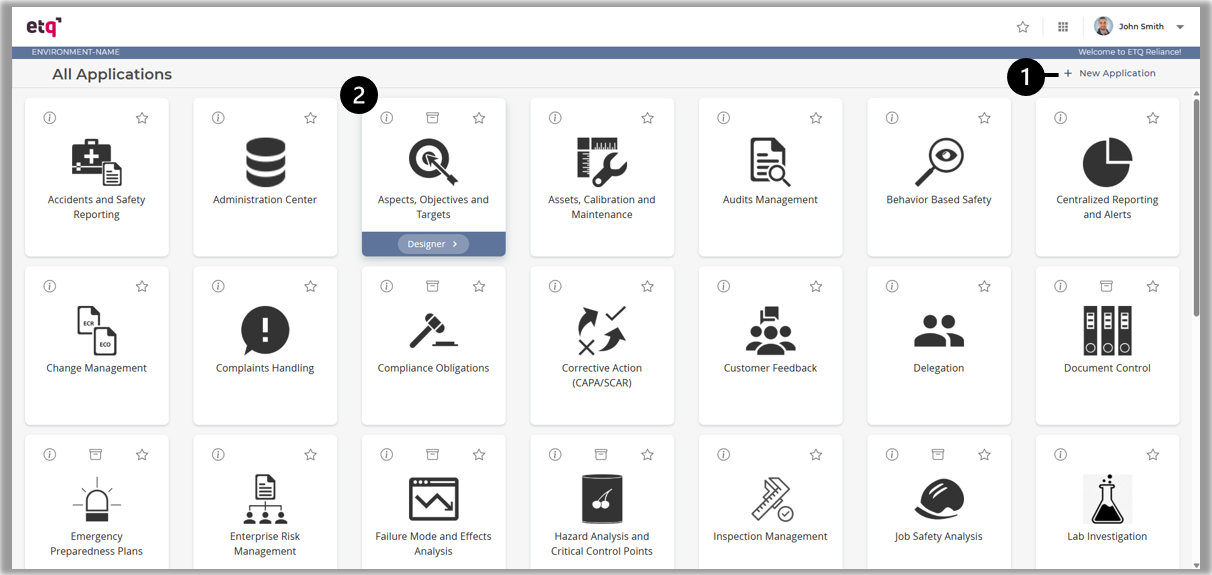
-
A + New Application action is displayed to the user with sufficient access to create a new application.
-
A card for each application you have access to.
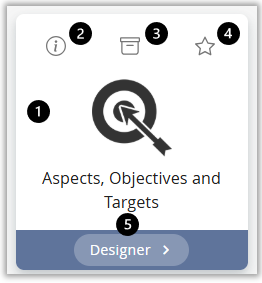
-
Click on the application card to open it.
-
Open the application info card.
-
Open the corresponding archive application if applicable.
-
If the user has permission to access the application in design mode, the user may hover over the application card to display Designer action and click on it to open the application in designer mode.
|
|
|